
ARKit vs ARCore vs Unity: Choosing an AR Stack
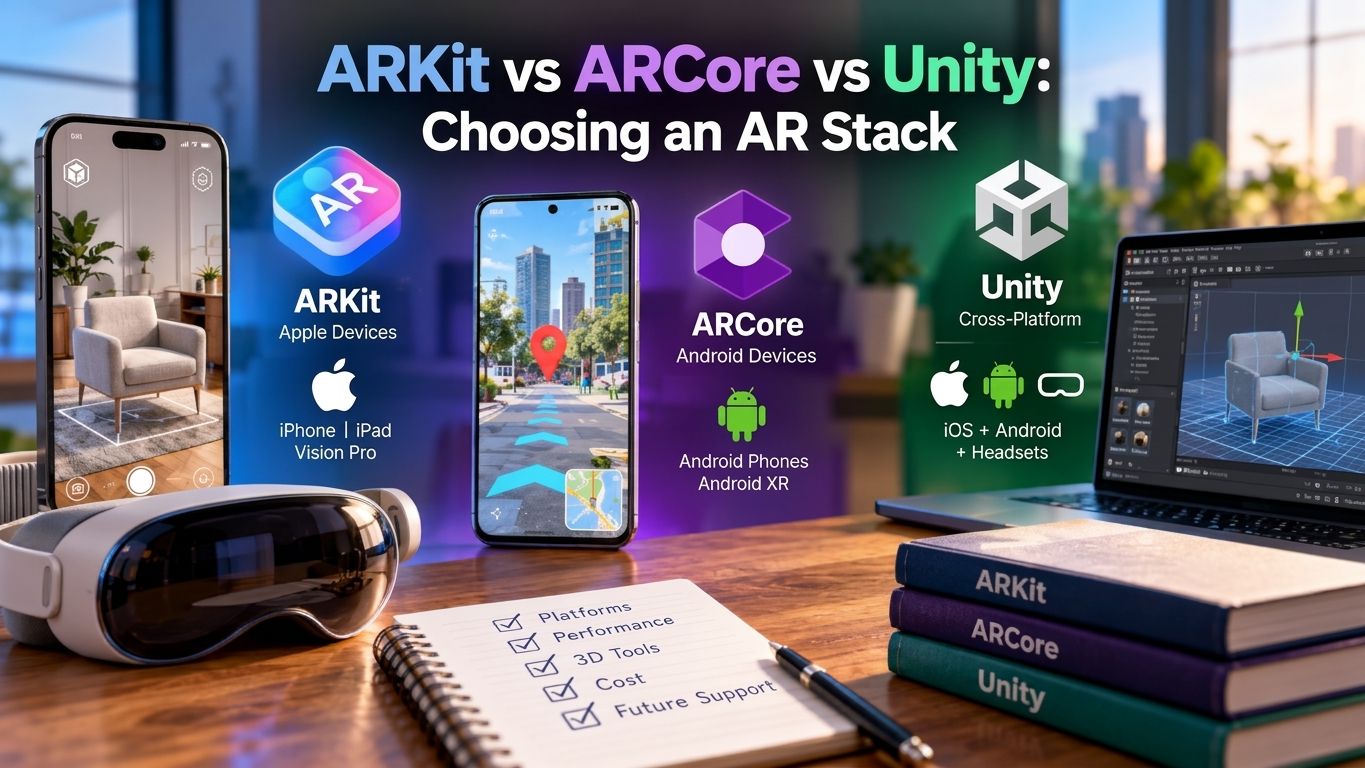
Here’s a mistake we see more often than you’d think. A company builds a beautiful AR app in ARKit. It launches on iPhone, gets great reviews, and then the sales team asks a simple question: “When’s the Android version coming?”
The answer turns out to be: “We need to build it again. From scratch.”
That one early decision, the AR stack, quietly decides your budget, your timeline, your hiring needs, and which customers you can reach. If you’re about to hire an AR development services or brief your in-house team, this is the guide to read first.
Let’s clear up the biggest misconception right away, because it changes everything.
Are ARKit, ARCore, and Unity Really Competitors?
Not exactly, and that’s the part most comparisons get wrong.
ARKit and ARCore are AR frameworks. They’re the “eyes” of your app: they read the camera and sensors, track movement, detect surfaces, and understand the room.
Unity is a development engine. It’s where you build the experience: the 3D content, animation, interactions, and logic. Through a layer called AR Foundation, Unity uses ARKit on iPhones and ARCore on Android phones underneath.
So the real decision isn’t “ARKit or ARCore or Unity.” It’s this:
Do you build natively for one platform, or build once in Unity and ship to both?
How the pieces fit together
| Layer | What It Does | Options |
|---|---|---|
| Engine/Build Layer | Where you create the experience | Native Code (Swift, Kotlin) or Unity (C#) |
| Cross-Platform Bridge | Provides one API for both platforms | Unity AR Foundation |
| AR Framework | Handles tracking, surfaces, lighting, and anchors | ARKit (Apple) / ARCore (Google) |
| Device | Where users experience AR | iPhone, iPad, Vision Pro / Android Phones, Android XR Headsets |
What Does Each AR Stack Do Best?
ARKit: Apple’s native AR framework
Best for: premium iPhone and iPad experiences, and anything headed toward Apple Vision Pro.
Strengths:
- Tight integration with Apple hardware, including LiDAR on Pro devices
- Excellent face tracking, people occlusion, and motion capture
- Pairs with RealityKit for realistic rendering
Growing reach beyond the phone. At WWDC 2026, visionOS 27 brought ARKit across Vision Pro and iPhone, with higher frame-rate tracking
Limitations:
- Apple devices only; there’s no Android support at all
- Requires Swift and Apple-specific expertise
- ARCore: Google’s native AR framework
Best for: Android-first audiences, outdoor and location-based AR.
Strengths:
- Huge device reach across Android brands
- Geospatial API for city-scale, location-anchored AR. Outdoor and city-scale projects tend to favor ARCore’s Geospatial API
- Cloud Anchors for shared, multi-user AR
- Expanding into headsets. At Google I/O 2026, the Geospatial API came to Android XR in preview, with sub-meter accuracy in supported areas
Limitations:
- Performance can vary across Android device brands
- Android only when used natively
- Unity + AR Foundation: the cross-platform engine
Best for: apps that need both iOS and Android, rich 3D, games, and multi-device roadmaps.
Strengths:
- One codebase that runs on ARKit and ARCore devices
- World-class 3D tools, physics, animation, and a massive Asset Store
- A path to headsets. If you need Quest, Vision Pro, and Pico from one codebase, Unity is the only engine that supports all three with first-party support
- AR Foundation remains the cross-platform AR standard in 2026
Limitations:
- Larger app size and more complexity than a lightweight native app
- Licensing costs for growing companies (see below)
- The newest platform-specific features can arrive in native SDKs first. Unity lets you call ARKit- or ARCore-specific APIs alongside AR Foundation when needed
How Do They Compare Side by Side?
| Factor | ARKit (Native iOS) | ARCore (Native Android) | Unity + AR Foundation |
|---|---|---|---|
| Platforms | iPhone, iPad, Vision Pro | Android Phones, Android XR | iOS + Android (+ Headsets) |
| Language | Swift | Kotlin / Java | C# |
| Codebases Needed for Both Platforms | 2 (Requires a Separate Android Build) | 2 (Requires a Separate iOS Build) | 1 |
| Performance | Excellent on Apple Devices | Very Good, Varies by Device | Very Good |
| 3D / Game Tools | RealityKit (Good) | Basic Natively | Excellent |
| Location-Based AR | Location Anchors | Geospatial API (Strong) | Via Platform APIs |
| App Size | Smallest | Small | Larger |
| Licensing Cost | Free (Apple Developer Program Fee Applies) | Free (Google Play Fee Applies) | Free Under $200K; Pro Seats Above |
| Best Fit | Premium iOS-Only Apps | Android-First or Geo-AR Apps | Cross-Platform, Games, 3D-Heavy Apps |
What Will Each Option Really Cost You?
Licensing is the smallest part of your budget, but it’s worth knowing.
Licensing
- ARKit and ARCore: free to use. You’ll pay standard developer account fees to publish on the App Store and Google Play.
- Unity: free on Unity Personal for smaller teams, but Unity Pro is required once total annual revenue and funding pass $200,000. In 2026, Pro costs $2,310 per seat per year after a 5% increase in January.
Development (the real cost)
Building twice is what drains budgets. Here are typical US project ranges:
| Project | Native iOS + Native Android | Unity (Both Platforms) |
|---|---|---|
| Product Visualization App | $60K–$120K | $40K–$80K |
| AR Training/Enterprise App | $150K–$300K+ | $100K–$220K |
| AR Game | $180K–$400K+ | $120K–$300K |
| Ongoing Maintenance (Yearly) | Two Codebases to Update | One Codebase to Update |
Estimates for US-based teams. Your scope, 3D asset needs, and integrations will change the numbers.
The pattern: If you need both platforms, Unity usually saves 25–40% over building two native apps. If you only need one platform, native is often leaner and faster.
Which AR Stack Should You Choose?
Answer these questions in order. Stop at the first “yes.”
1. Do you only need iPhone users (or Vision Pro)?
→ ARKit + RealityKit. Think premium retail apps, luxury brands, iPad tools for field teams already on Apple devices.
2. Is your audience mostly Android, or is location-based AR the core feature?
→ ARCore. Think city tours, outdoor navigation, campus or venue experiences, emerging markets.
3. Do you need both iOS and Android?
→ Unity + AR Foundation. This covers most consumer apps in the US market, where you can’t afford to ignore either platform.
4. Is it a game, a heavy 3D experience, or headed to headsets later?
→ Unity, almost always.
5. Do users need to access it instantly, without installing anything?
→ None of the above. That’s a job for WebAR. (See our guide: WebAR vs Native AR App: Which Should You Build?)
Quick reference by industry
| Industry | Typical Best Stack | Why |
|---|---|---|
| Retail / eCommerce App | Unity | Must reach iOS and Android shoppers |
| Furniture “View in Room” | Unity or ARKit (LiDAR) | Accurate placement and scale |
| Healthcare / Medical Training | Unity | Rich 3D, multi-device support |
| Manufacturing / Field Service | Unity or ARKit | Depends on company devices |
| Tourism / Location-Based | ARCore (+ ARKit) | Geospatial anchoring |
| AR Gaming | Unity | Game engine power across both platforms |
| Real Estate Tours | Unity | Cross-platform 3D walkthroughs |
What Mistakes Should You Avoid When Picking a Stack?
- Choosing by developer preference instead of audience. Your users’ phones decide this, not your team’s favorite language.
- Going native-only, then “adding Android later.” Later usually means double the cost.
- Ignoring app size. A Unity build can be heavier; optimize assets early.
- Forgetting the 3D pipeline. Models, textures, and animation often cost more than the code.
- Not planning for headsets. Vision Pro and Android XR are early, but your stack choice today decides how hard that move will be tomorrow.
How Do You Choose the Right AR Partner?
The best stack in the world won’t save a poorly planned project. When comparing an AR development company, ask:
- Do you build in ARKit, ARCore, and Unity? Teams with only one skill tend to recommend that one.
- Can I test your past apps on my own phone? Live apps beat case-study PDFs.
- Do you handle 3D assets in-house?
- How do you test across Android devices? Device fragmentation is real.
- What happens after launch? OS updates break AR apps; you need a maintenance plan.
Why US Businesses Choose TechReforms
At TechReforms, we don’t start with a tech stack. We start with your users, your goals, and your budget, then recommend the stack that fits. Sometimes that’s a lean ARKit app. Often it’s Unity. Occasionally it’s WebAR. The goal is always the same: an AR experience people actually use, built once and built right.
What you get with TechReforms:
- Full-stack AR expertise: ARKit, ARCore, Unity AR Foundation, and WebAR under one roof
- Stack-neutral advice: we recommend what fits, not what’s easiest for us
- In-house 3D design: models, animation, and optimization handled by our own team
- Real-device testing: across iPhones, iPads, and a wide range of Android devices
- Launch and beyond: App Store submission, analytics, and ongoing maintenance
- US-focused delivery: as an AR development agency serving American businesses, we work in your time zones and understand your market
Book a free AR stack consultation
Not sure which stack fits your project? Talk to TechReforms. In one 30-minute call, we’ll review your idea, recommend the right stack, and give you a realistic budget and timeline, so you start building with confidence instead of guesswork.
The Bottom Line
- ARKit wins for premium, Apple-only experiences.
- ARCore wins for Android-first and location-based AR.
- Unity + AR Foundation wins when you need both platforms, rich 3D, or a path to headsets, which is most US projects.
Pick the stack your users need, not the one that’s trendy. And if you’d like a second opinion from a team focused on AR development that USA businesses can rely on, we’re here to help.
Frequently Asked
Questions
Unity isn’t a replacement for them; it builds on top of them. Unity’s AR Foundation uses ARKit on iOS and ARCore on Android, so you get one codebase for both. Native ARKit or ARCore is better when you only need one platform and want the smallest, most optimized app.
Yes. The most common way is Unity with AR Foundation, which lets you write the app once and deploy it to both platforms. WebAR is another option if you want users to access AR in the browser without downloading an app.
Yes, both frameworks are free. You’ll only pay standard developer account fees to publish on the Apple App Store and Google Play Store.
Unity Personal is free for smaller teams. Once your company passes $200,000 in annual revenue and funding, you need Unity Pro, which costs $2,310 per seat per year in 2026.
For Vision Pro-only apps, Apple’s native tools (ARKit, RealityKit, and visionOS) give the deepest integration. If you want Vision Pro plus iPhone, Android, or other headsets from one codebase, Unity is the more practical choice.