
AR Training & Simulation
Development for Enterprise

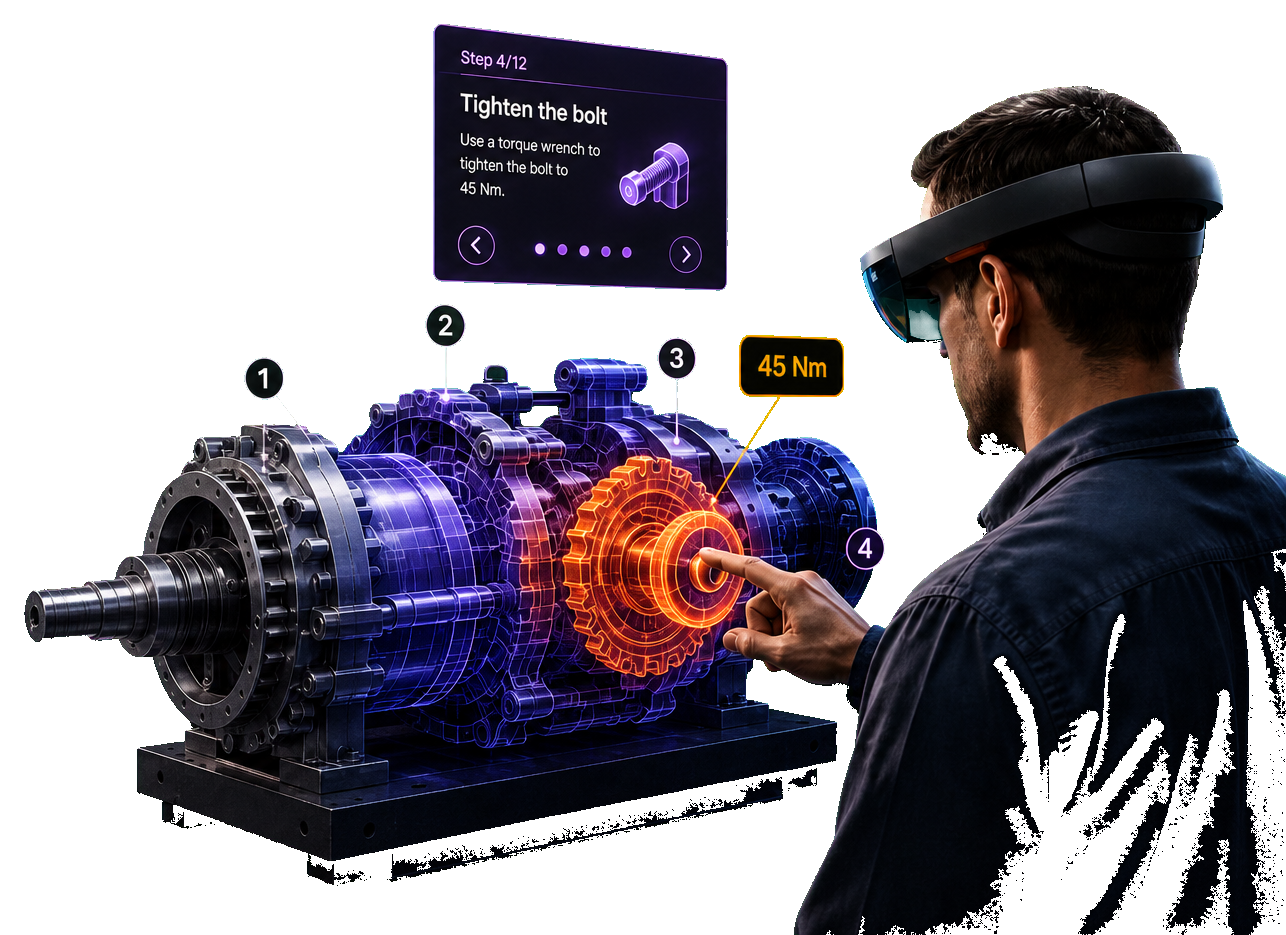
A manual tells someone what to do. Augmented reality shows them, overlaid directly on the equipment they're standing in front of — so training happens on the floor, not in a classroom weeks before it's needed.
See Cost & Timelines
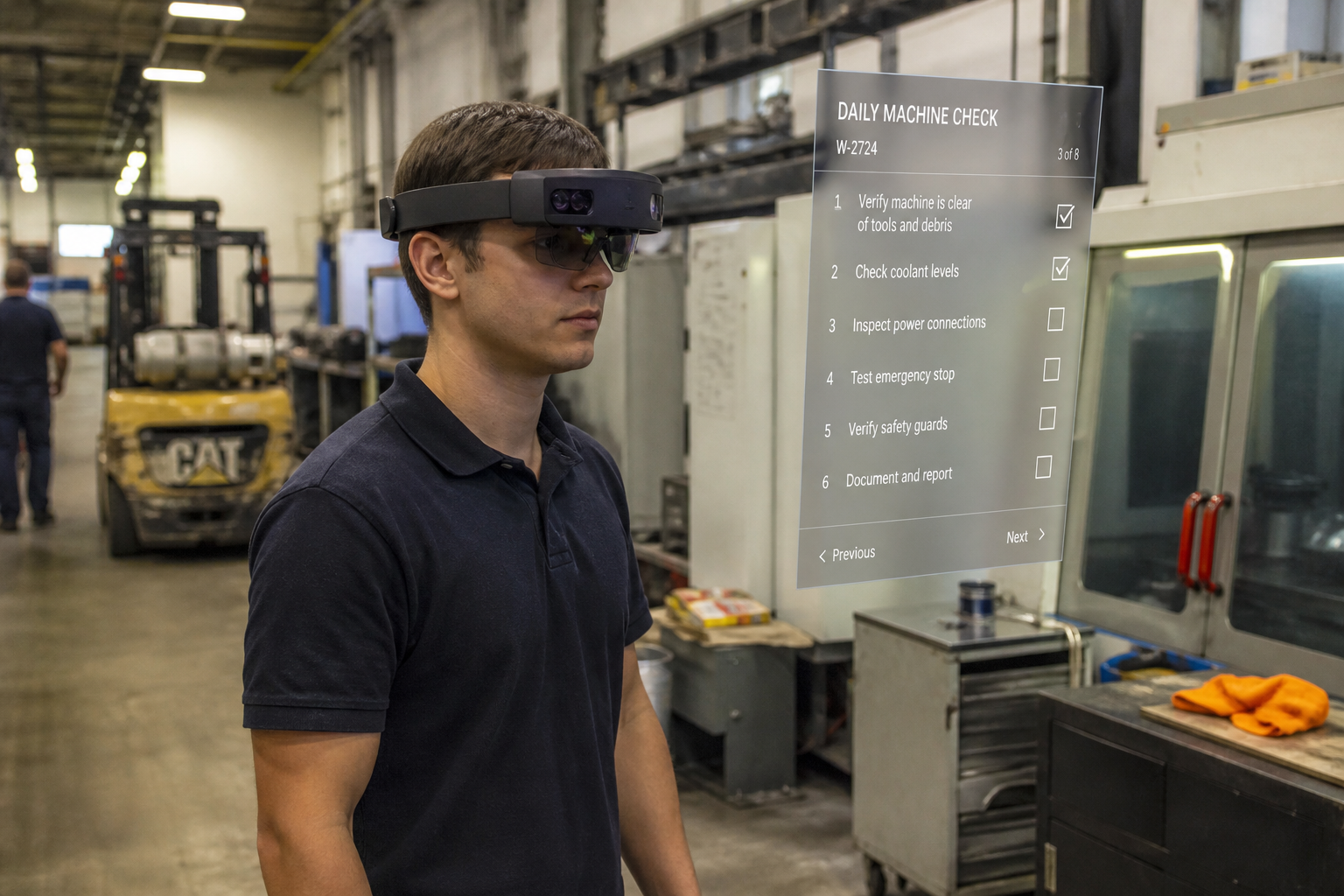
Worker in an AR headset following step-by-step overlays on industrial equipment, including torque guidance to 45 Nm
OUR
IMPACT
Tech Reforms logo accent for AR apps shipped impact statDecorative hover highlight for AR apps shipped
50+
AR apps shipped
Tech Reforms logo accent for Clutch rating impact statDecorative hover highlight for Clutch rating
4.9★
Clutch rating
Tech Reforms logo accent for Starting scope impact statDecorative hover highlight for Starting scope
$40K
Starting scope
Tech Reforms logo accent for Typical delivery impact statDecorative hover highlight for Typical delivery
4-9mo
Typical delivery
CLASSROOM
VS
AR

What Changes When Instructions Move Onto the Equipment

Classroom and video training teach a procedure once, days or weeks before someone needs it. AR training puts the same instruction on the equipment itself, at the exact moment the task happens.

Classroom / Video TrainingTraditional
FactorTraditional
RetentionLearned once, applied days or weeks later — retention decays before the task happens.
SchedulingTrainer or session availability sets the schedule, not the operation's need.
Ramp-upNew hires shadow an experienced worker until confident, tying up two people.
QualityErrors get caught after the fact, during inspection or QA.

Choose classroom / video when you need broad awareness training before people reach the equipment.

AR-Guided, On-the-JobRecommended
FactorAR-Guided
RetentionInstruction appears at the point of task — nothing to recall, just follow the overlay.
SchedulingAvailable whenever the shift runs, no trainer scheduling required.
Ramp-upNew hires work independently sooner, with guidance instead of a shadow.
QualityStep confirmation and object recognition catch mistakes before they happen.

Choose AR-guided training when the goal is fewer mistakes, faster ramp-up, and confidence that scales with every shift.

WHAT
WE
BUILD

What We Build for Manufacturing, Field Service & Operations

Most programs combine two or three of these — a training module rarely stands alone from support and compliance needs.

01 / Production Floor

Assembly & Procedure Guidance

Step-by-step overlays anchored to the physical equipment, with object recognition confirming each step before advancing to the next.

HoloLens 2Object Recognition

02 / Safety Programs

Hazard & Emergency Simulation

Practice high-risk or rare scenarios — lockout-tagout, chemical spill response, equipment failure — without real-world consequences.

SimulationCompliance

03 / Field Service

Remote Expert Assist

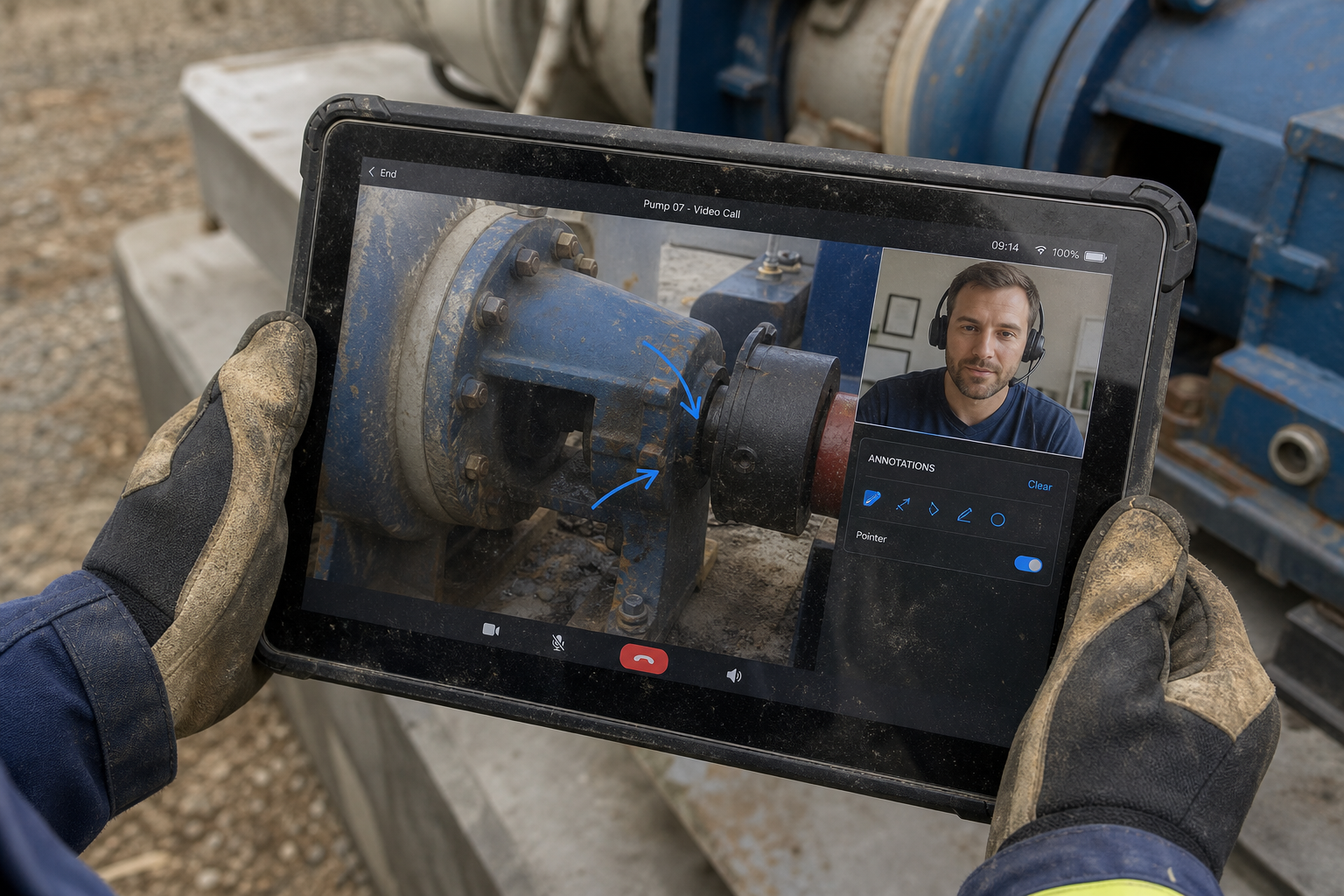
A technician's camera view streams to a remote expert, who annotates directly onto what the technician sees — no site visit required.

Live ShareRemote Support

04 / Onboarding

New-Hire Ramp Programs

Self-paced guided walkthroughs for new employees, reducing how long an experienced worker needs to shadow before independent work.

Self-PacedMobile + HoloLens

05 / MRO

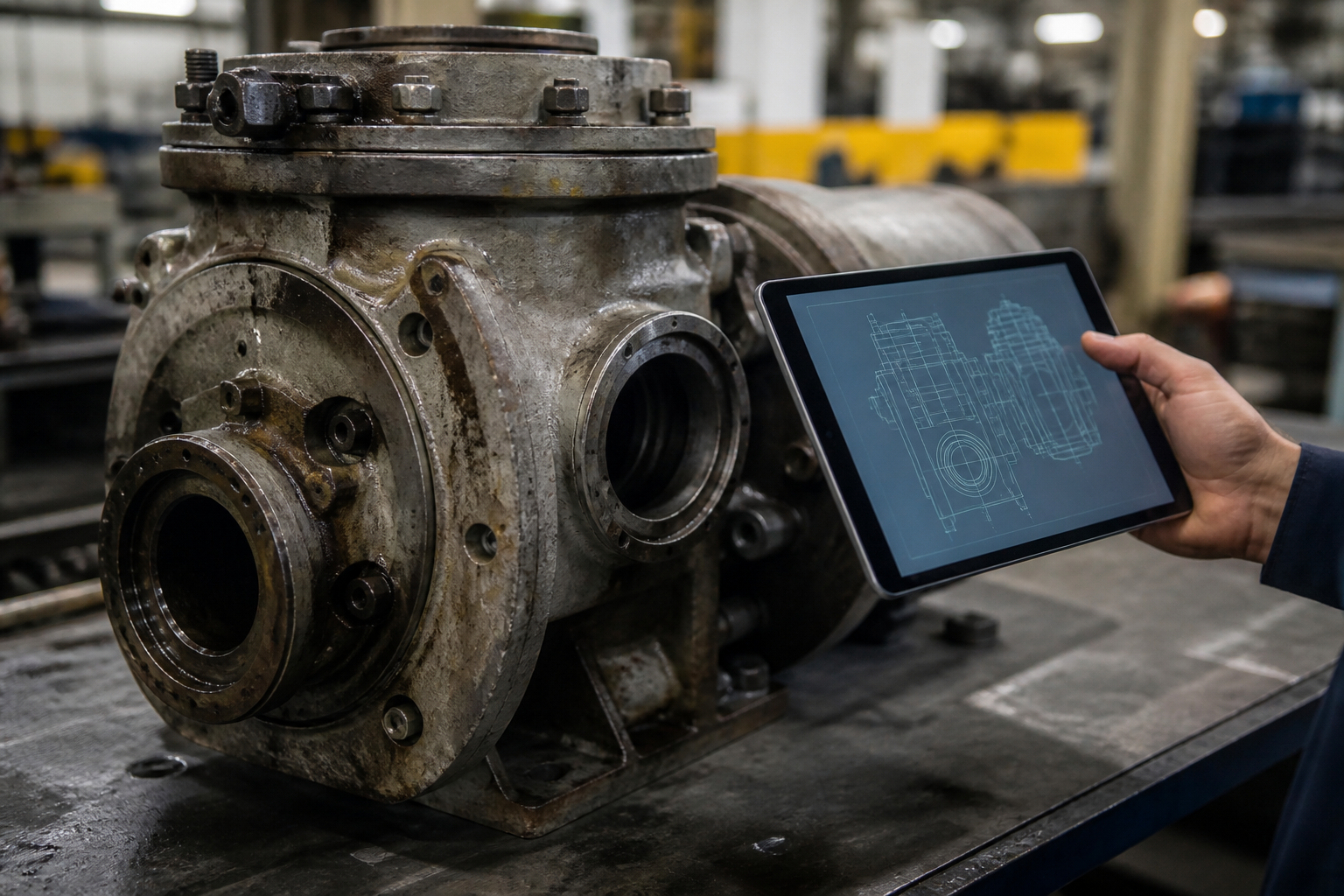
Maintenance & Repair Overlay

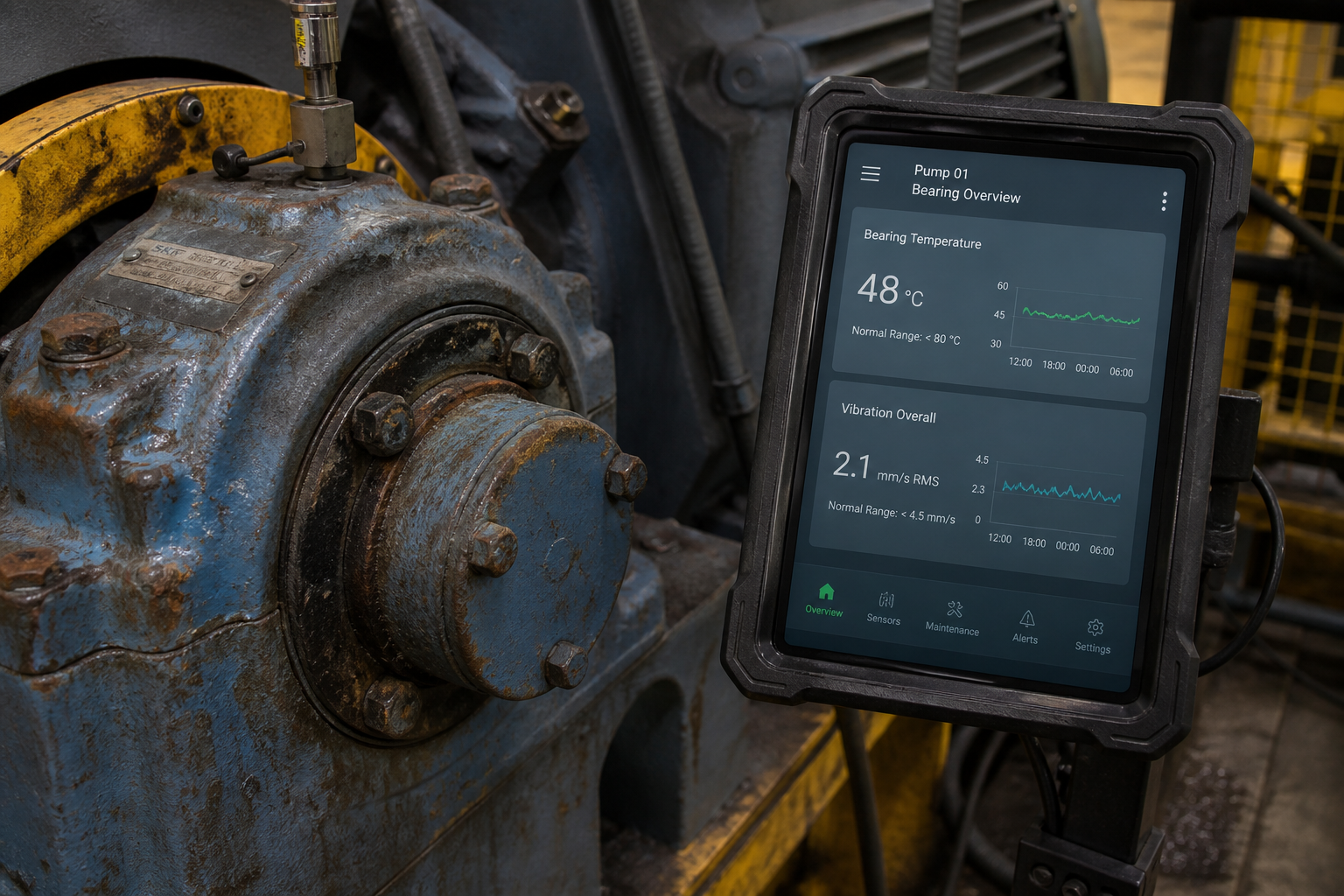
Diagnostic data and repair steps overlaid directly on the machine, pulling live sensor readouts where the equipment supports it.

DiagnosticsLive Data

06 / Regulated Industries

Certification & Compliance Tracking

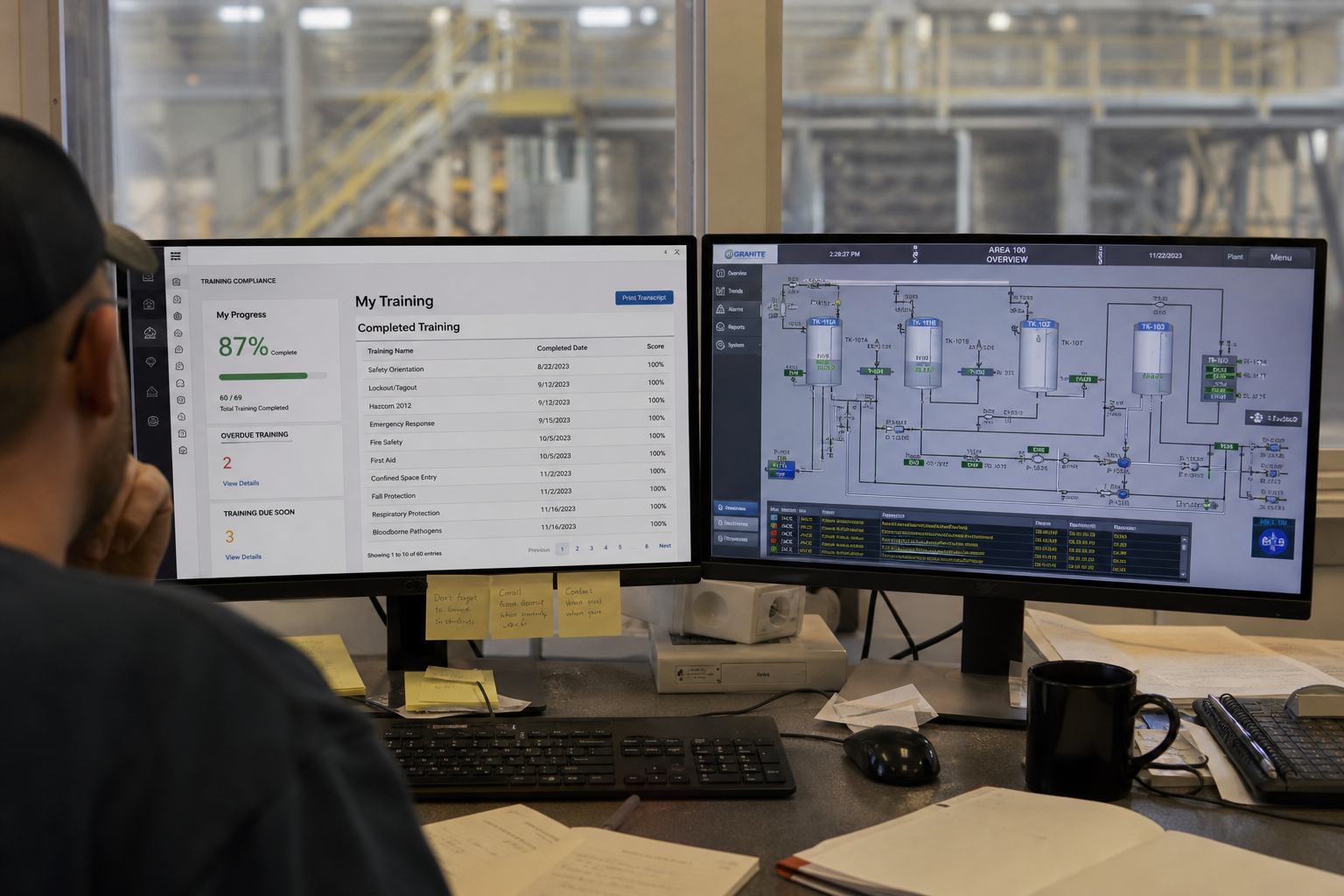
Timestamped completion logs and pass/fail checkpoints exportable for audit — built for environments where training has to be provable.

Audit LogsReporting
ENTERPRISE
ROLLOUT

How Enterprise Rollouts Usually Go

Almost nobody starts with a facility-wide deployment. The programs that stick follow roughly this path.

  1. Pilot on One Procedure

    Start with one high-value procedure or line. Keep scope tight so you can measure training time and error rates against your current method.

    Typical scope

    Fixed price4–6 months
  2. Facility or Dept. Rollout

    Expand proven content across related procedures. Add a CMS layer so your team can update steps as processes change on the floor.

    Typical scope

    Dedicated teamOngoing work
  3. Enterprise-Wide Standard

    Make AR the default for onboarding and procedures across sites, with analytics that show where errors and slowdowns actually occur.

    Typical scope

    Multi-siteAnalytics
DEVICE
COMPARISON

Choosing the Right Device for the Task

Device choice is usually decided by one question: does the person's hands need to be free while they follow the instruction?

FactorHoloLens 2 / Smart GlassesApple Vision ProTablet / Mobile
Best forHands-free assembly, MROPremium spatial training, simulationInspections, onboarding, checklists
Hands-freeYesYesNo
Deployment costHardware + developmentHigher hardware costUses existing devices
Rollout speedSlower, hardware provisioningSlower, premium hardwareFastest — no new hardware
Typical use caseProduction floor, field serviceSurgical, high-precision simulationOnboarding, remote expert assist

Many programs start on tablets to prove value fast, then move core hands-free tasks to HoloLens once budget for hardware is approved.

COST
&
TIMELINE

Cost & Timeline by Program Type

Ranges based on projects we've delivered — final scope depends on device type, content volume, and how much facility-side integration is needed.

Mobile AR Training App

$40K – $80K

4-6 months

  • Marker or markerless overlay
  • Step confirmation flow
  • Basic analytics

HoloLens / Smart Glasses

$90K – $200K

6-9 months

  • Spatial mapping
  • Hands-free guidance
  • Object recognition

Multi-Facility Rollout

$150K – $400K+

9-18 months

  • CMS for content updates
  • Multi-site deployment
  • LMS / analytics integration

Hardware procurement (HoloLens units, rugged tablets) is scoped separately and typically handled by the client's IT or procurement team. Full breakdown on the AR development page

Tell us the procedure and the device — we'll scope a pilot in 48 hours.

Framework, hardware fit, and a fixed-price range before you commit to anything. See the full AR development process or how we've built for real estate and retail.

Soft gradient background behind testimonials
Decorative background for testimonial content
OUR
TESTIMONIALS
Our Work
Speaks For Us

Operations Director

FactoryEdge Inc.

We needed step-by-step assembly guidance on HoloLens 2. Tech Reforms built a Vuforia-based system that overlays instructions during live work — new operators reach competency faster, with fewer procedural errors.

Plant Training Lead

Precision Assembly Group

Classroom sessions never stuck once people hit the line. The AR overlays sit on the equipment itself, so training happens on the shift that needs it — not weeks before.

Field Service Manager

Northline Equipment

Remote expert assist cut our truck rolls. Technicians follow guided overlays on tablets while a specialist annotates in real time. Ramp-up for new hires dropped noticeably in the first quarter.

EHS Director

Summit Industrial

Hazard and emergency drills used to pull people off production. AR simulations let us practice lockout and response sequences without shutting down the floor, with clear completion tracking.

Decorative graphic in 3D text rotation section
Dark textured background behind contact form
Contact
Us
Partner with Us for
Custom AR Enterprise Training Development
and On-the-Floor Training Systems
Phone handset icon for contact call-to-action
Call us at:
(582) 233-5015
YourBenefits
Procedure-First Pilot Scoping
Unity / Vuforia / HoloLens & Mobile AR
Hands-Free & Tablet Guidance Options
CMS for Live Procedure Updates
LMS & Analytics Integration
We Stick Around After Launch

Tell us the procedure, target devices (phone, tablet, or HoloLens), and whether this is a pilot or multi-site rollout — we'll reply within 24 hours with a practical AR plan and estimate.

Schedule a free consultation
What happens
next?
Process step one illustration
We Schedule a call at your convenience
Process step two illustration
We do a discovery and consulting meeting
Process step three illustration
We prepare a proposal
FAQ

Frequently Asked
Questions

A mobile AR training app with step-by-step overlay and object recognition typically runs $40,000–$80,000 over 4–6 months. Full HoloLens or Vision Pro deployment with spatial mapping and hands-free guidance runs $80,000–$200,000 over 5–9 months. Complex manufacturing or MRO programs with diagnostic integration can reach $100,000–$250,000 across 6–12 months.
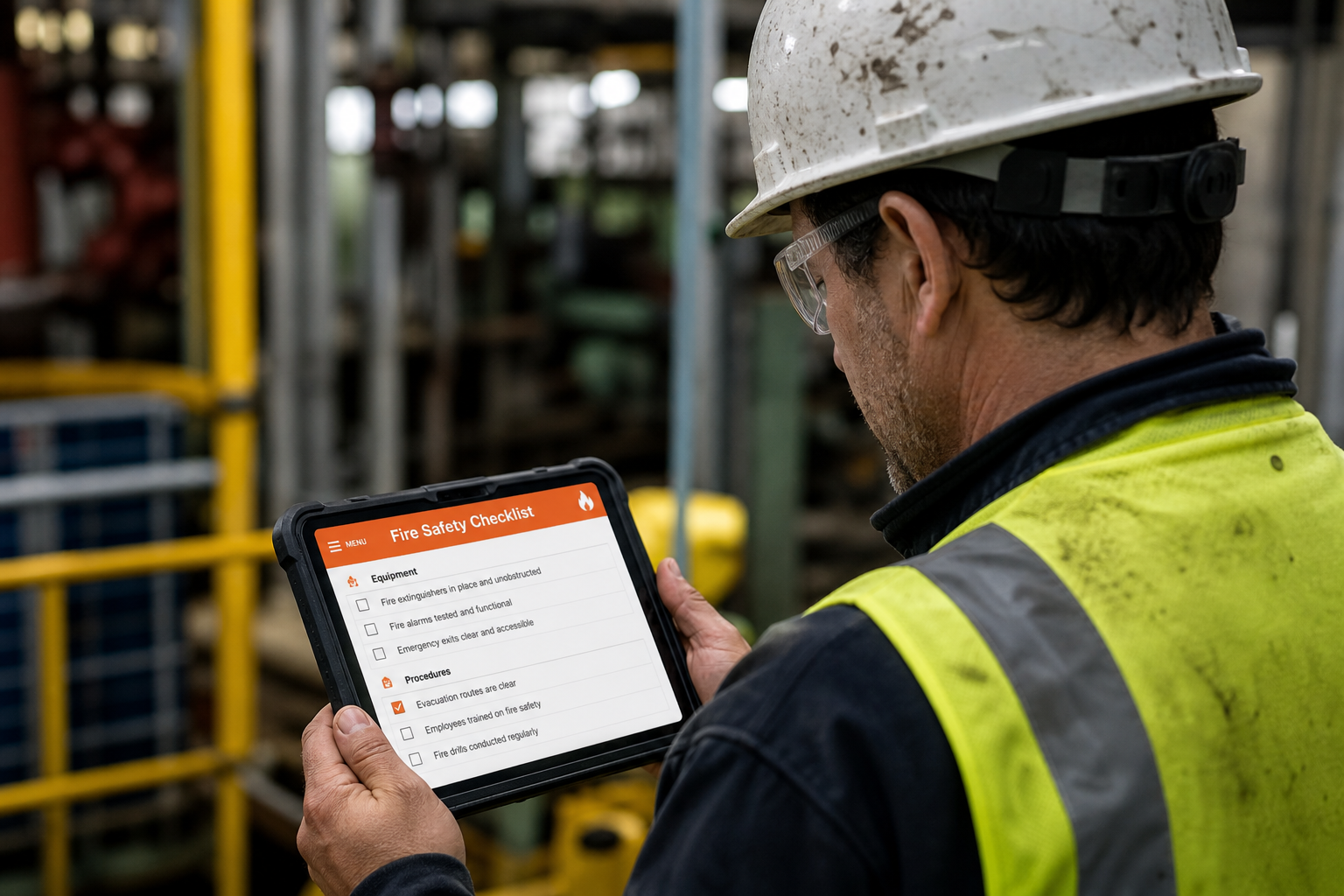
Tablets and phones work well for training that doesn't require both hands free, like inspection checklists or onboarding walkthroughs. HoloLens or smart glasses matter when technicians need hands-free guidance while actively working on equipment, since holding a device defeats the purpose.
We build a CMS layer so your training or operations team can update step sequences, annotations, and 3D overlays without touching code — this matters more here than in most software categories, since floor procedures change faster than typical release cycles.
Yes. We build completion logging, timestamped step data, and pass/fail checkpoints into the training flow, exportable for audit and certification records — standard for regulated environments like manufacturing safety programs and medical device training.
Yes. A technician wearing a headset or holding a tablet can share their live camera view with a remote expert, who can annotate directly onto what the technician sees — useful for field service calls where flying someone out isn't practical.
Most enterprises pilot on a single procedure or production line first, which typically takes 4–6 months including content creation, before deciding on a department or facility-wide rollout. Piloting narrow keeps risk low while proving the training-time and error-rate impact internally.