
Godot vs Unity for Enterprise Game Development in 2026: Which Engine Should Your Team Choose?
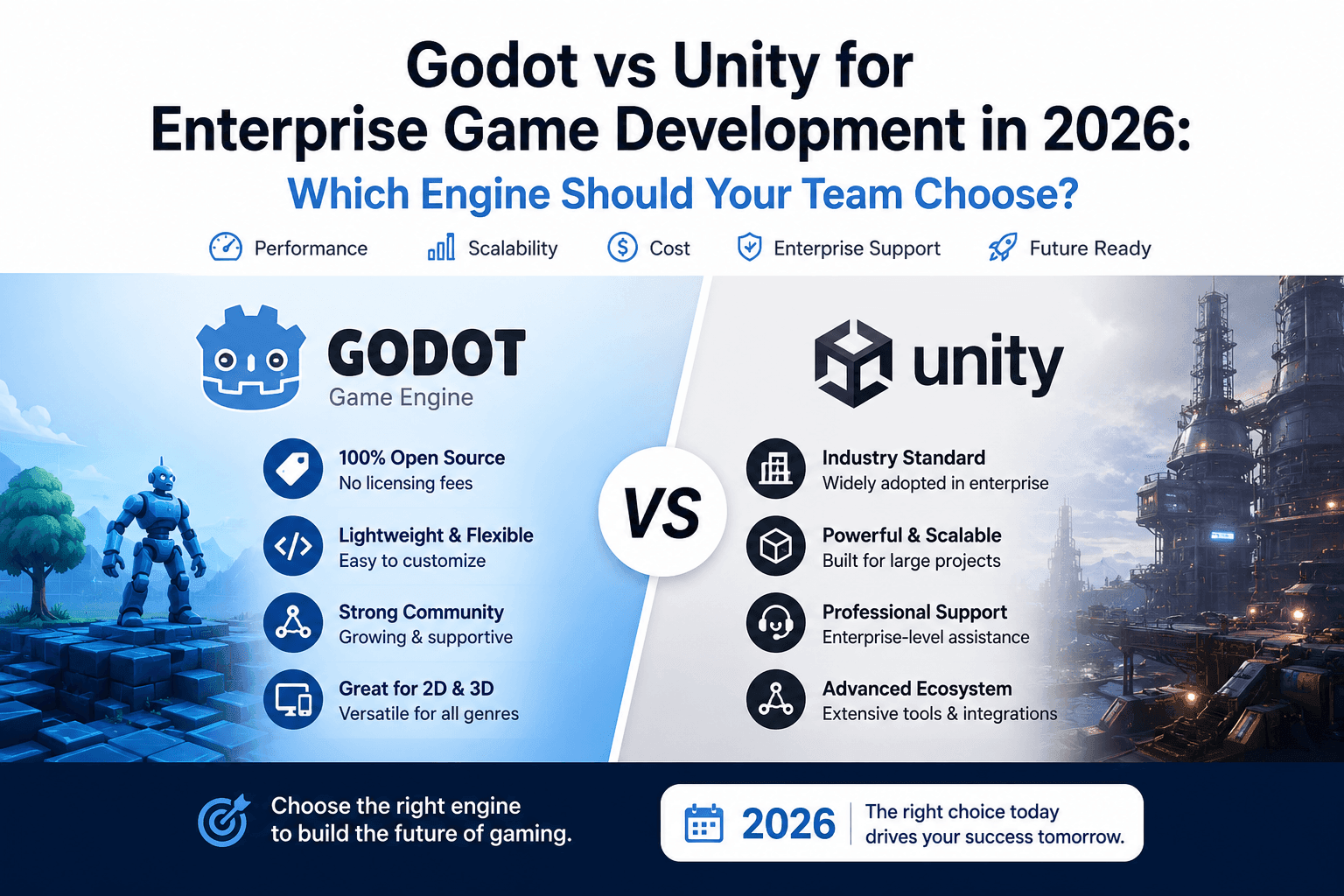
Table of Contents
- Overview: The 2026 Engine Landscape
- Unity’s Dominance: When the Ecosystem Is Your Priority
- The Godot Advantage: Intuitive Architecture for Fast Scaling
- C# vs GDScript: The Hiring Dilemma
- 2D vs 3D: Selecting the Right Tool for the Job
- The Financial Reality: Licensing, Fees, and Ownership
- When Should Enterprises Consider a Custom Engine?
- The Verdict: Which Engine Should Your Team Choose?
- Frequently Asked Questions
1. Overview: The 2026 Engine Landscape
Choosing the wrong game engine in 2026 isn’t just a technical misstep — it’s a strategic liability that can cost teams months of rework and thousands in sunk development costs. The engine debate has matured significantly. What started as online outrage over a controversial per-install fee model has hardened into a permanent shift in developer sentiment. The shift toward Godot is driven by its MIT license, which offers total ownership without runtime fees or revenue-sharing models that rattled enterprise confidence.
In 2026, “accessible” no longer means a clean UI — it means fast ROI and predictable costs from day one. Whether your team is building the next hit mobile game or prototyping interactive training simulations, speed-to-market now weighs as heavily as the learning curve. If you’re still exploring what game development involves end-to-end, the Techreforms guide on game design and development covers the full process from scratch.
Key Insight: Both Unity and Godot now power non-gaming enterprise applications — architectural visualisation, industrial training tools, and real-time product configurators. Your engine choice carries operational weight far beyond the game lobby.
Quick Comparison: Unity vs Godot at a Glance
| Factor | Unity | Godot |
|---|---|---|
| License Model | Commercial (tiered) | MIT (free forever) |
| Annual Cost (20-seat team) | $46,200+ | $0 |
| Mobile Market Share | ~70% | Growing fast |
| Primary Language | C# | GDScript / C# |
| 2D Performance | Good | Excellent (native) |
| 3D / VR / AR | Excellent | Good (improving rapidly) |
| Editor Size | ~2GB+ | <100MB |
| Hiring Pool | Large | Moderate |
2. Unity’s Dominance: When the Ecosystem Is Your Priority
For commercial teams prioritising market reach, Unity’s ecosystem advantage is still very real in 2026. According to Unity’s Gaming Report, Unity holds approximately 70% market share in mobile gaming. That installed base translates directly into hiring pools, community support, and faster production timelines.
Unity remains the default “safe” choice because the ecosystem absorbs risk that smaller teams can’t afford to carry. But for scaling studios, that safety comes with a compounding price tag.
Unity Strengths
- Asset Store with thousands of production-ready tools and shaders
- Official third-party SDK support — analytics, ad networks, and payment processors
- Cross-platform build pipeline: iOS, Android, Console, and PC from a single codebase
- Enterprise support tiers with dedicated contracts and SLA guarantees
- Largest global talent pool — easier to hire at scale
Unity Trade-offs
- Licensing costs escalate significantly with team size
- Runtime fee controversy permanently shifted enterprise confidence
- Heavier editor slows onboarding and machine setup
- Revenue-share triggers create budget uncertainty mid-project
- Vendor lock-in risk for studios building long-term IP
3. The Godot Advantage: Intuitive Architecture for Fast Scaling
Godot’s Scene and Node architecture gives scaling teams a structural clarity that Unity’s component-based system often can’t match — especially for mixed technical and non-technical teams.
In Godot, everything is a Scene, and every Scene is made of Nodes. Each node has a single, clear responsibility: a camera node handles cameras, a collision node handles collisions. There’s no need to hunt through Inspector panels to figure out which components were stacked on a GameObject by a developer who left six months ago.
Unity vs Godot: Architecture Comparison
| Aspect | Unity (Component-Based) | Godot (Scene & Node) |
|---|---|---|
| Structure | GameObjects are blank containers | Scenes nest inside other scenes |
| Auditability | Harder to audit at a glance | Visual, self-documenting hierarchy |
| For non-programmers | Steep learning curve | Steep learning curve |
| Editor size | ~2GB+ | <100MB, no installer needed |
Lightweight by design, Godot’s editor runs without an installer. For teams prototyping ideas before committing to a full build, this zero-friction setup compresses the feedback loop dramatically. To understand where engine selection fits in the broader tech landscape, the Techreforms overview of software development services in 2026 offers useful context.
Note: Godot 4.4 closed major performance gaps with Unity and is now fully viable for enterprise 2D projects, AR training tools, and interactive simulations. Its MIT license eliminates long-term licensing risk.
4. C# vs GDScript: The Hiring Dilemma
Choosing between Unity and Godot isn’t just a technical decision — it’s a talent acquisition strategy. According to the Stack Overflow Developer Survey 2024, C# remains one of the most sought-after languages in game development, used natively by Unity and supported in Godot via its .NET implementation.
| Language | Hiring Ease | Best Use Case |
|---|---|---|
| C# (Unity) | High — large existing talent pool | Enterprise teams, studios with existing .NET developers |
| GDScript (Godot) | Moderate — Python-like syntax eases onboarding | Teams willing to invest in upskilling |
| Godot + C# (.NET) | Moderate-High — familiar syntax, fewer tutorials | Hybrid teams bridging web and game development |
GDScript’s learning curve is gentle for Python or JavaScript developers, but “gentle” still means weeks of ramp-up time. For a scaling studio hiring frequently, that friction compounds fast. The Techreforms staff augmentation service provides pre-vetted Unity and Godot engineers who integrate directly into your workflow, reducing onboarding overhead significantly.
Enterprise Integration Note: C# aligns with existing HR, workforce management, and project tracking tools. For teams growing beyond 20–30 engineers, Unity’s language standardisation often provides a measurable hiring efficiency edge.
5. 2D vs 3D: Selecting the Right Tool for the Job
Your visual requirements should drive your engine decision as much as your team’s skill set — and the gap between these two engines widens significantly depending on the dimension you’re targeting.
Godot for 2D: A Native Architecture Advantage
Godot uses a pixel-perfect coordinate system built exclusively for 2D, meaning sprites, tilemaps, and physics all run natively without the overhead of projecting a 3D scene onto a flat plane. This translates to leaner builds and smoother performance on mid-range mobile hardware — critical for studios shipping cross-platform mobile experiences at scale.
Unity for 3D, VR, and AR
Unity’s “3D-as-2D” architecture works — but it carries render overhead that surfaces in mobile performance benchmarks. However, if your roadmap includes high-fidelity 3D environments, VR, or AR applications, the calculus flips entirely. Unity’s mature rendering pipeline and extensive VR/AR SDK support still represent a meaningful lead. For teams building AR products, the Techreforms AR development services cover both Unity and custom pipelines.
| Use Case | Recommended Engine | Key Reason |
|---|---|---|
| 2D Mobile Games | Godot | Native pixel-perfect 2D coordinate system |
| High-Fidelity 3D Games | Unity | Mature rendering pipeline and tooling |
| AR / VR Applications | Unity | Extensive SDK support and community |
| Interactive Training Tools | Godot | Lightweight editor, fast prototype cycles |
| Cross-Platform Mobile at Scale | Unity | 70% mobile market infrastructure |
| Architectural Visualisation | Either | Depends on 2D vs 3D scope |
6. The Financial Reality: Licensing, Fees, and Ownership
Choosing the wrong engine for your budget can cost more than the software itself. The licensing math deserves as much scrutiny as the feature set — especially for studios making multi-year platform commitments.
| Godot | Unity Pro | Unity Enterprise | |
|---|---|---|---|
| Annual Cost (per seat) | $0 | ~$2,310 | $4,000+ |
| 20-Seat Team / Year | $0 | ~$46,200 | $80,000+ |
| Revenue Share | None | Possible at thresholds | Negotiated |
| License Type | MIT (permanent) | Commercial (tiered) | Commercial (custom) |
| Source Modifiable | Yes | No | No |
| Vendor Lock-in Risk | None | High | High |
Budget Warning: A 20-person Unity Pro team costs $46,200+ per year before enterprise surcharges. That same team on Godot pays nothing. Over 5 years, that gap becomes a significant capital allocation decision. Our guide on custom software vs off-the-shelf solutions explores this exact trade-off across different business contexts.
7. When Should Enterprises Consider a Custom Engine?
Beyond the Unity vs. Godot debate lies a third path: building proprietary technology from scratch. Gaijin Entertainment’s EdenSpark engine illustrates this shift — rather than absorbing ongoing costs, they built purpose-designed technology tailored to specific rendering demands. Epic Games (Unreal Engine) and id Software (id Tech) followed similar paths. For a broader view of how this decision fits into modern software strategy, see the Techreforms overview of software development services in 2026.
When to Go Custom
- Your studio ships 10+ titles annually and engine licensing costs exceed custom development amortisation
- Your project demands rendering pipelines or physics systems off-the-shelf engines cannot support without costly workarounds
- Platform exclusivity or IP security agreements make third-party engine dependency a legal liability
Outside these scenarios, bespoke solutions rarely justify the investment. Ongoing maintenance, tooling, and onboarding costs persist indefinitely. The Techreforms game development team can help assess whether your requirements genuinely push beyond what Unity or Godot can deliver.
8. The Verdict: Which Engine Should Your Team Choose?
The right engine isn’t the most powerful one — it’s the one that aligns with your scaling strategy, budget, and long-term ownership goals.
Choose Unity if:
- You need immediate mobile scale, a mature ecosystem, and access to a large talent pool
- You are shipping cross-platform games fast and need existing SDK infrastructure
- Your team already uses C# and .NET across other engineering workflows
Choose Godot if:
- You prioritise full asset ownership, 2D excellence, and zero licensing risk
- Your studio is building long-term IP and cannot afford vendor lock-in
- Your team values a lightweight, fast-iteration development environment
Consider Custom Development if:
- Your requirements push beyond what either engine offers at the architecture level
- Enterprise workflows — HRMS, WRM, safety-critical platforms — demand purpose-built solutions
- You have the scale to amortise long-term proprietary engine investment
Neither engine is universally superior. To understand how Rockstar approached massive-scale game investment decisions, the Techreforms breakdown of GTA 6’s development cost and strategy offers a fascinating enterprise-scale case study. The Techreforms hire game developer team can assess your goals, platform targets, and team structure to recommend the right fit.